
Electronic map function
1: Function description
Through the electronic map function of the software, the entrance and exit of the door in each area can be observed in real time and intuitively, and the basic information of the card reader (name, number, department) can be observed at that time.
2: Operation instructions
Steps:
① Edit the electrogram
Enable electrogram management in advanced functions, and then restart the software and click the "Electrogram Management" button in the main menu of the software "Device Management" - "Device Operation", as shown in the following picture:
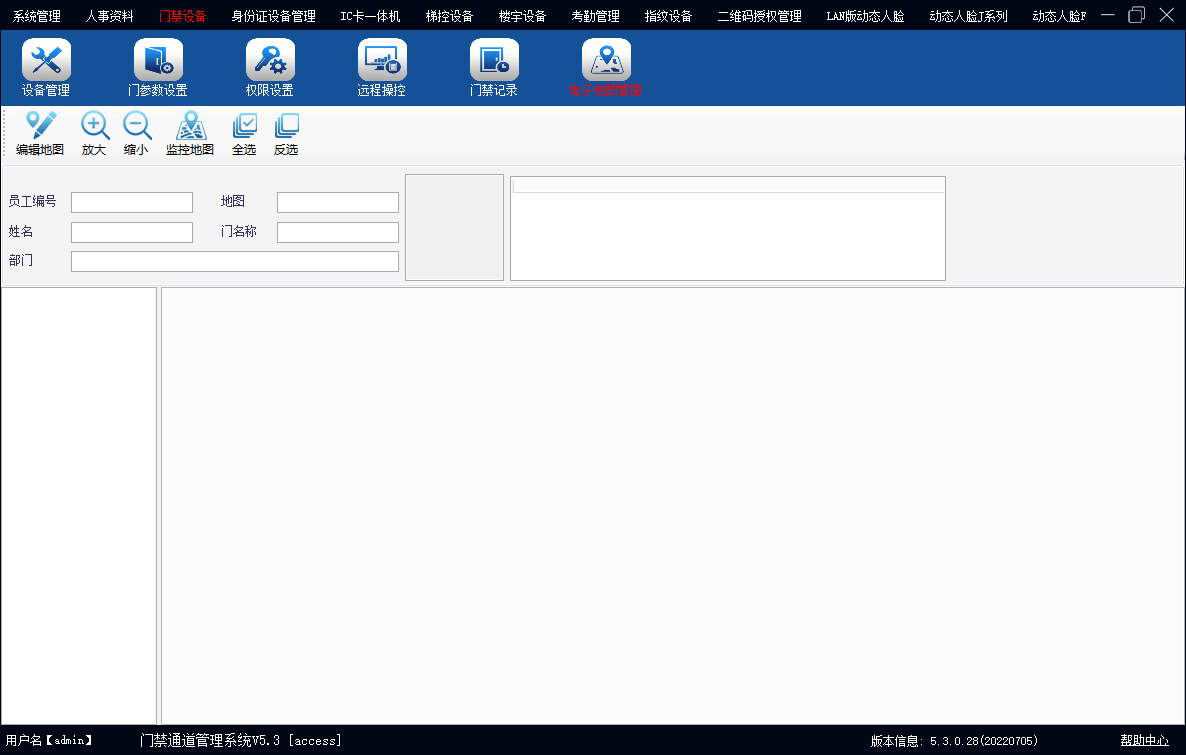
Click the "Edit Map" button in the screen
Click the "Add map" button in the screen, as shown in the following picture:
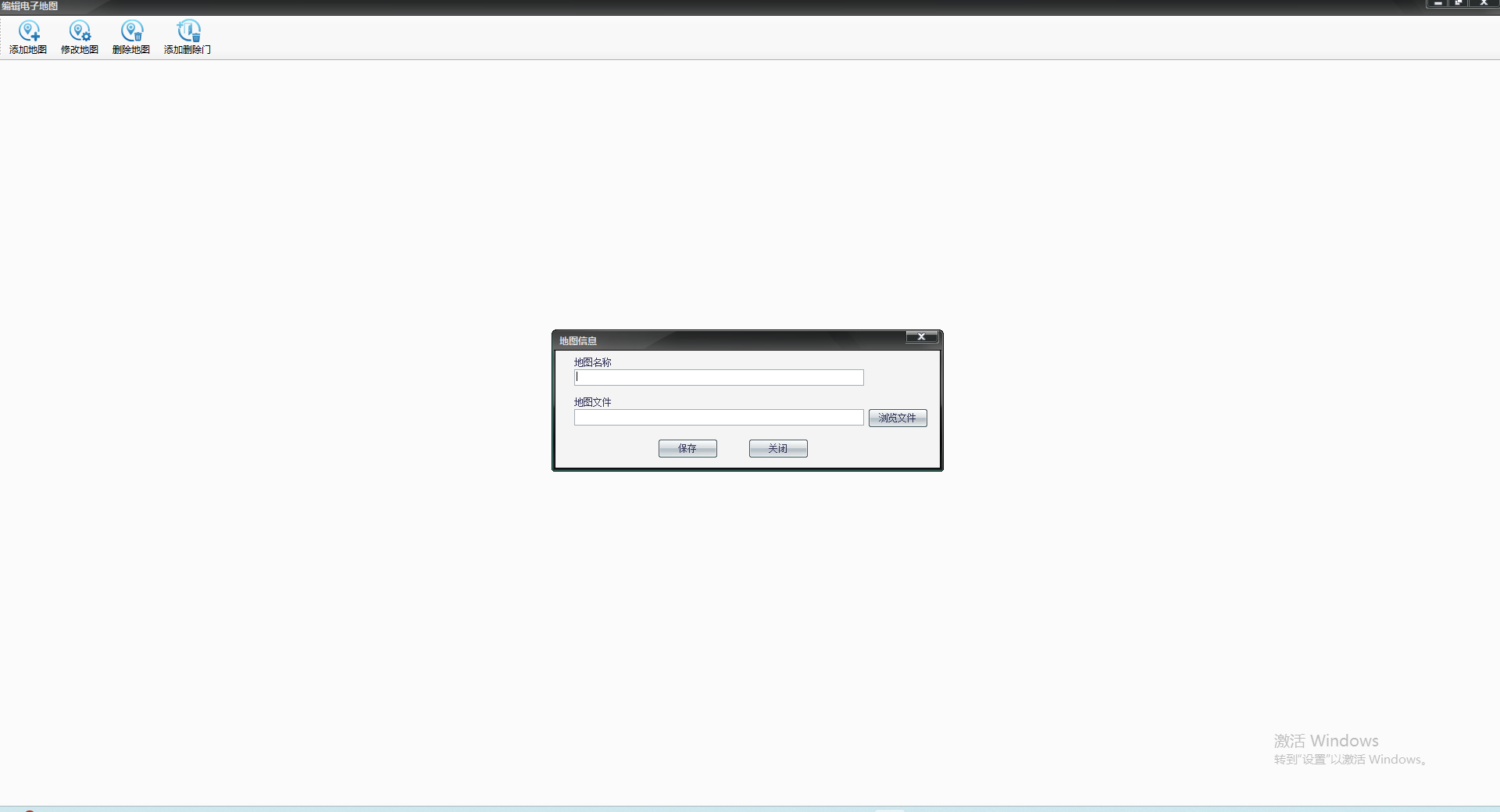
Enter the correct map name in the screen, select the correct distribution map of access control equipment, and click the "Save" button to appear as shown below:
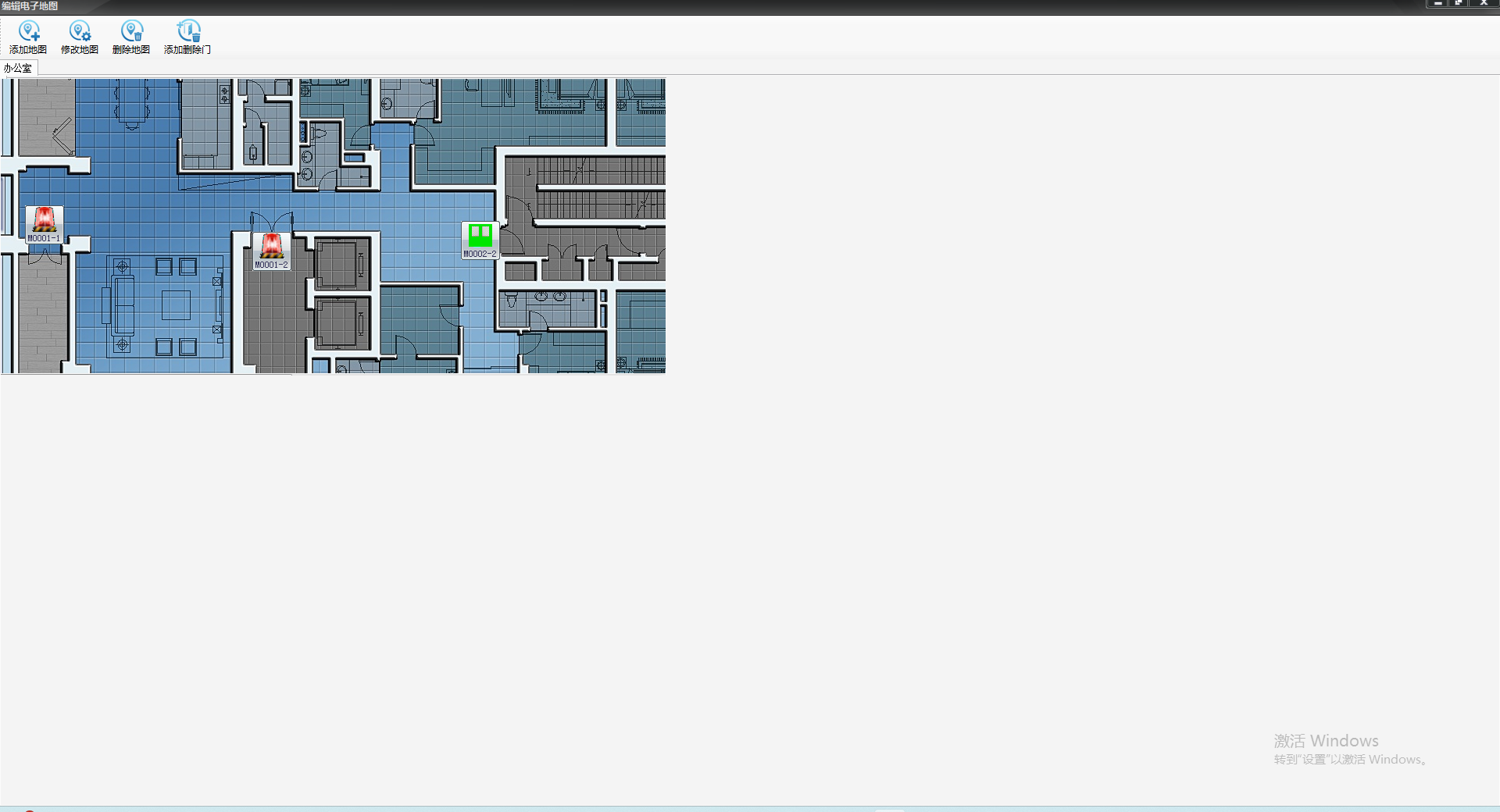
Click the "Add and Delete door" button, as shown in the picture below:
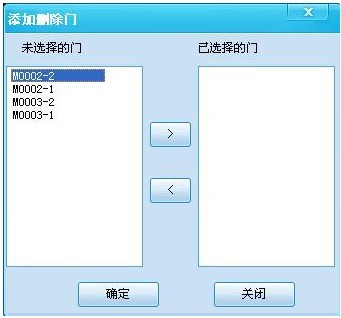
Click the button ">" to select the access control device shown on the left to the right (access control device in this map area), and then click the OK button to complete the operation of adding the door. After the door is added, the added access control device is moved on the map according to the actual door distribution. As shown in the picture below:
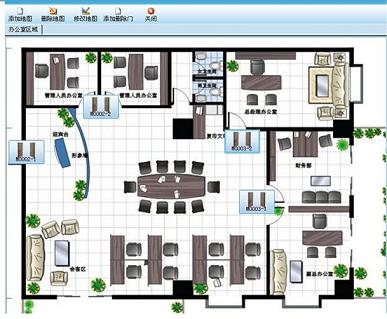
Click the "Close" button to exit the editing mode after completing the editing of the electrogram. ② Use electrogram In the electrogram management interface, click on the start monitoring map, so that you can know the situation of each employee in real time.
Other matters When using an electrogram, the access control device must have the door status detection function.

 Face recognition access control machine series
  Access control equipment
  Fingerprint series equipment
  Elevator floor control equipment
  Access control all-in-one
  L series embedded building access control
  Card reader
  ATM Containment bay control system
  Access control equipment







 Contact us